Armor of God Podcast Back to episodes
Podcast phone shortcut

Install the podcast on your phone.

Use this page like a simple podcast app. Add Armor of God Podcast to your phone so episodes, reflections, and show notes are one tap away.

A
Open this site
Choose the phone menu
Add to Home Screen
Save the shortcut

iPhone

  1. Open this page in Safari.
  2. Tap the Share button at the bottom of the screen.
  3. Scroll and tap Add to Home Screen.
  4. Tap Add.

Android

  1. Open this page in Chrome.
  2. Tap the menu button.
  3. Tap Add to Home screen or Install app.
  4. Confirm Add.

Chrome or Edge

  1. Open this page in your browser.
  2. Use the install icon if it appears in the address bar.
  3. Or open the menu and choose Install app or Create shortcut.
  4. Keep the shortcut where you open podcasts most.

Using another phone browser? Open the browser menu and look for Add to Home Screen, Install app, or Share. If the option is hidden, use Safari on iPhone or Chrome on Android.

Listen to episodes
This shortcut is for the podcast hub. The separate Armor of God learning app remains at app.armorofgodbrand.co.
Armor of God learning app

Learn the full Armor of God in seven days.

Tap any preview below to open the app sales page and start the seven-day challenge.
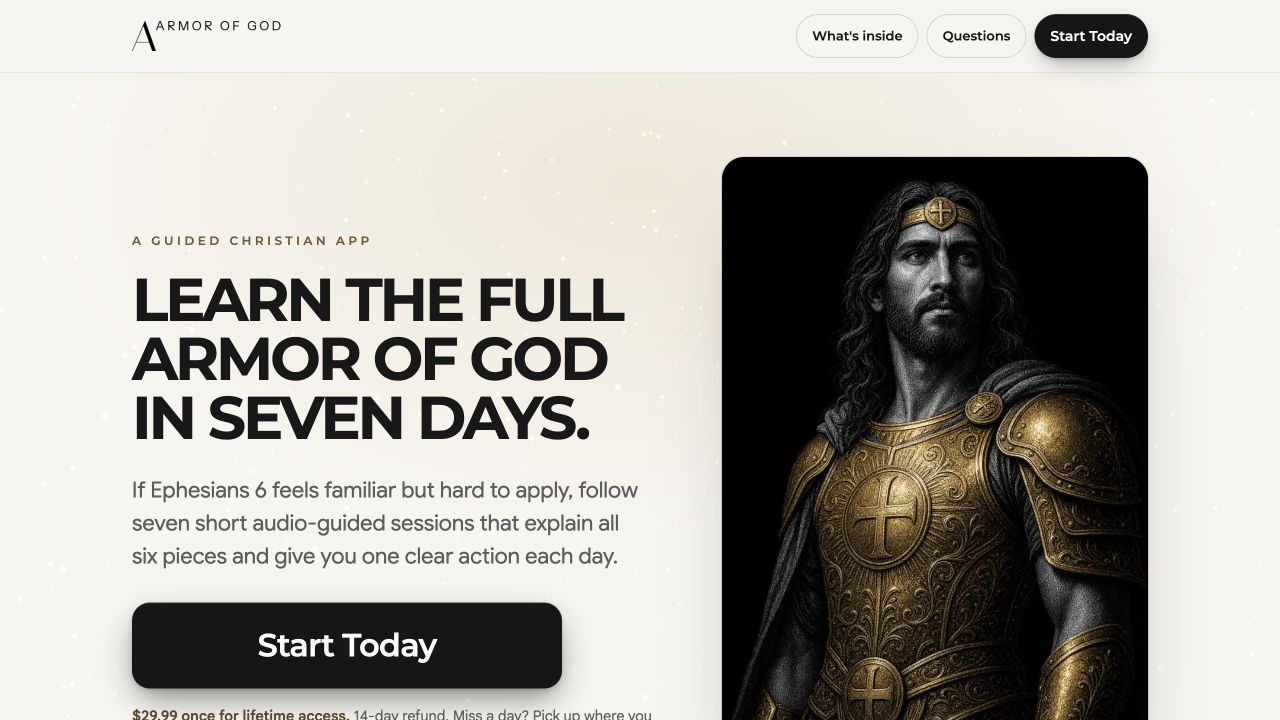
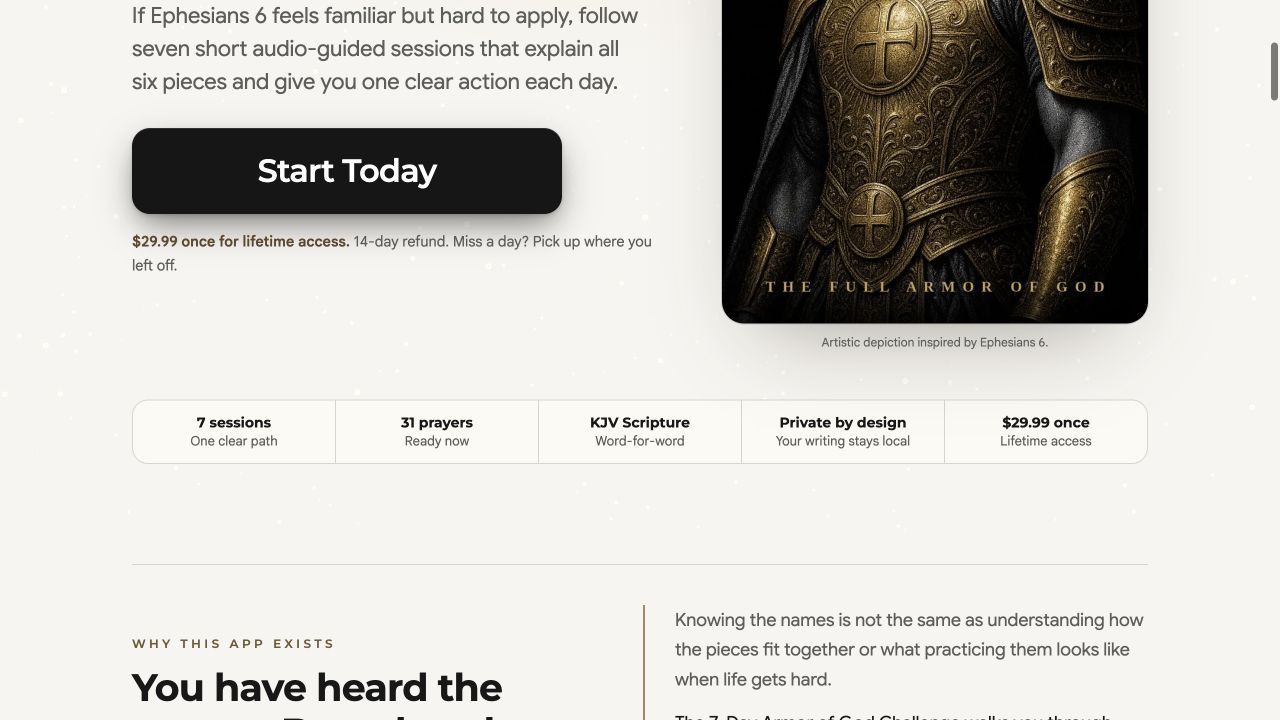
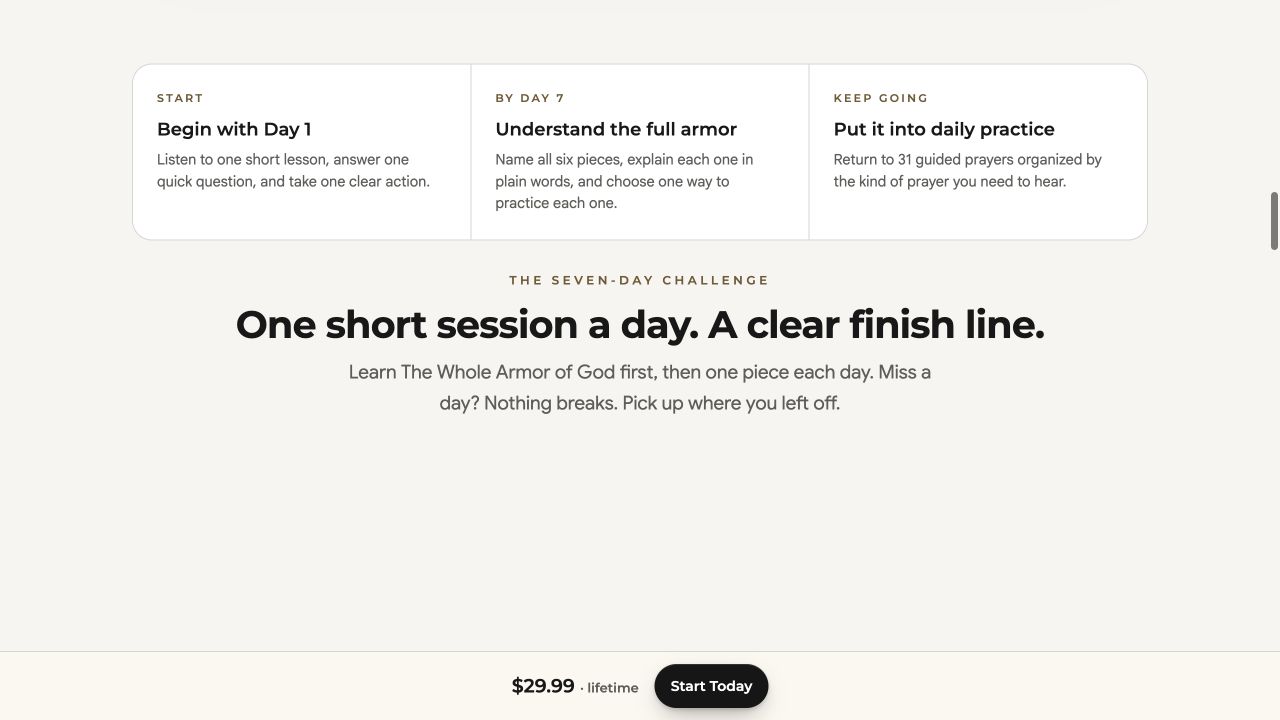
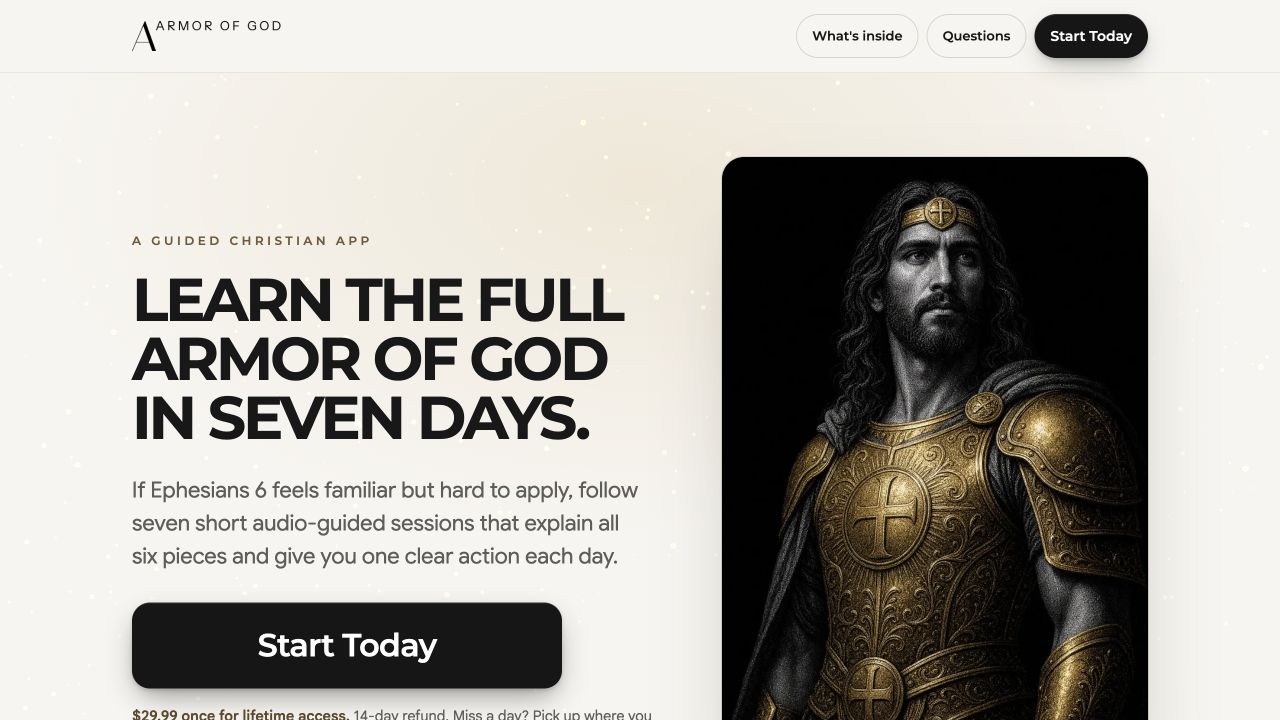
Armor of God learning app home page 7-day challenge Armor of God learning app challenge section Guided sessions Armor of God learning app founder and offer section Lifetime access
Preview of the separate Armor of God learning app
The Armor of God learning app is separate from this podcast shortcut. Use this podcast page for episodes and reflections. Use the learning app for the seven-day challenge.